

Photos that help your clinic hire: what practitioners want to see
Your posting describes the role. Your photos show the place a practitioner would spend their week. Here's what to photograph, and how to do it with the phone in your pocket.
When a practitioner is deciding whether to apply, they're trying to picture themselves at your clinic.
The title, the schedule and the compensation tell them about the role. But the question underneath it all is simpler: what is it actually like to work there? Good photos answer that before they ever send an application.
Practitioners are already joining PRACERA and applying to openings, and the clinic profile is one of the first things they open. Here are the photos worth adding, with examples from clinics on PRACERA.
Show the space, not just the logo.
A practitioner can't picture working somewhere they can't see.
Treatment rooms
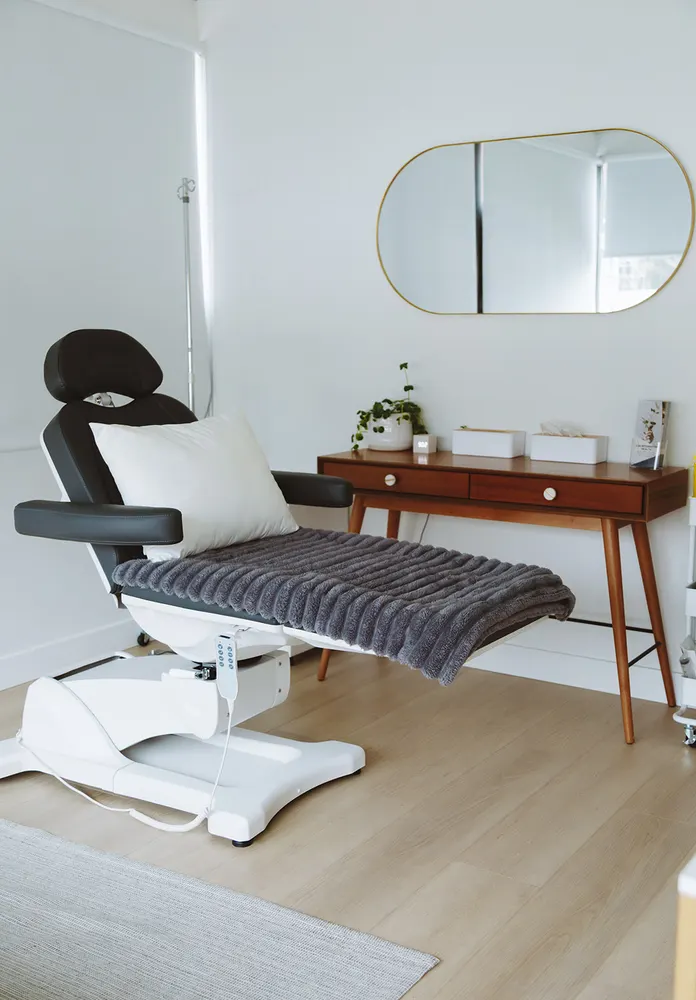
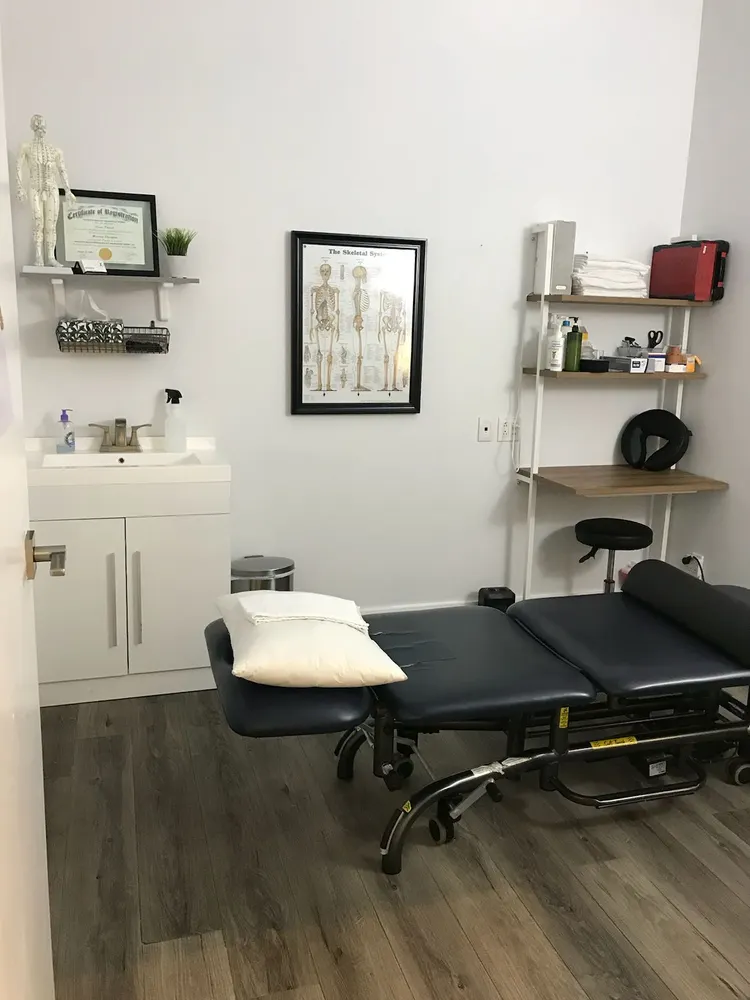
This is where a practitioner will spend most of their day, so it's the photo they look for first. It answers the questions they're already asking: Is there enough space to move? Is there natural light? What kind of table and equipment would I be using?
What to show
- The table and the space around it
- Windows and natural light
- Storage, sink and the equipment that stays in the room
- More than one room if they differ
Reception and waiting area
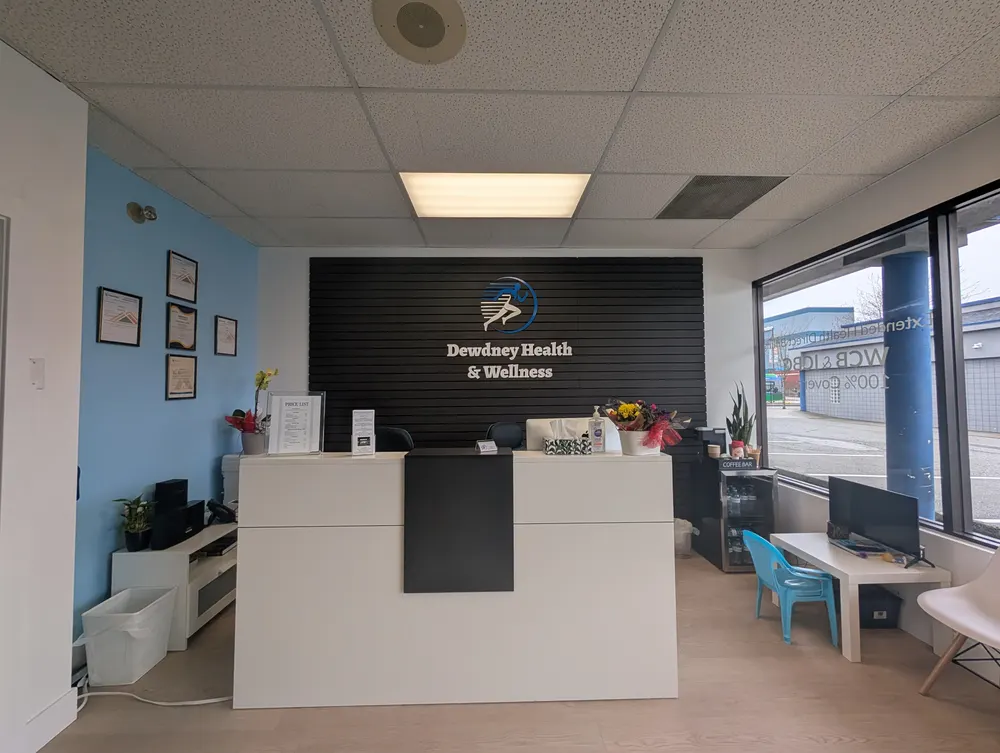
Reception is the first thing patients see, and practitioners know that. A clear front desk also tells them something they care about: who handles booking, billing and cancellations.
What to show
- The front desk, ideally with your sign or logo on the wall
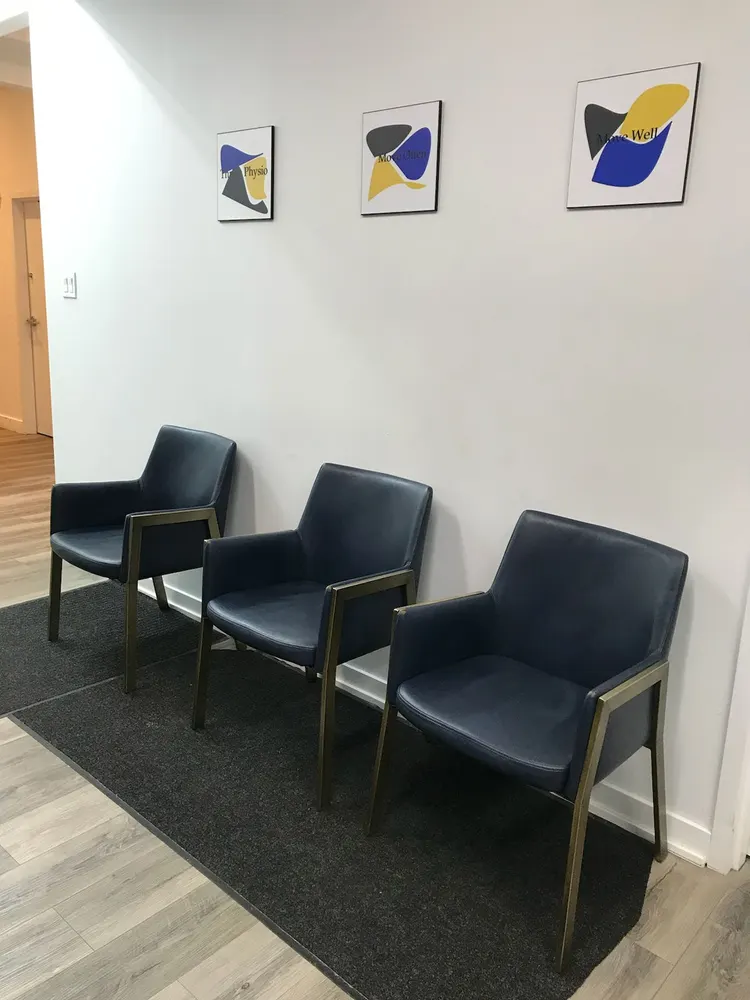
- Seating in the waiting area
- The view a patient gets when they walk in
The gym or rehab space
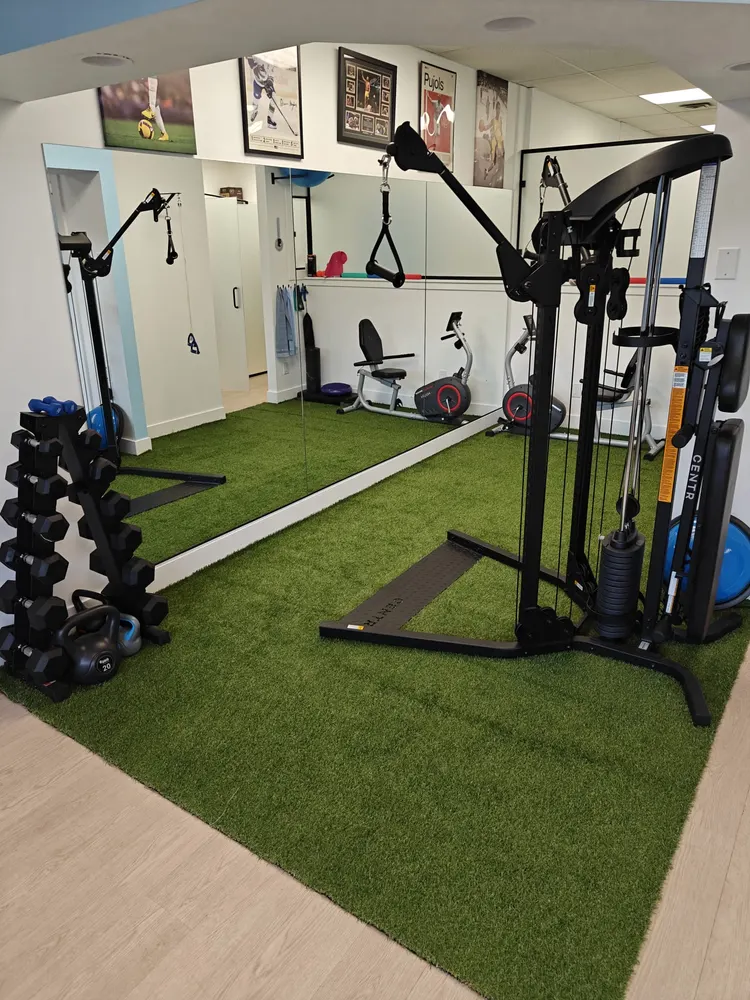
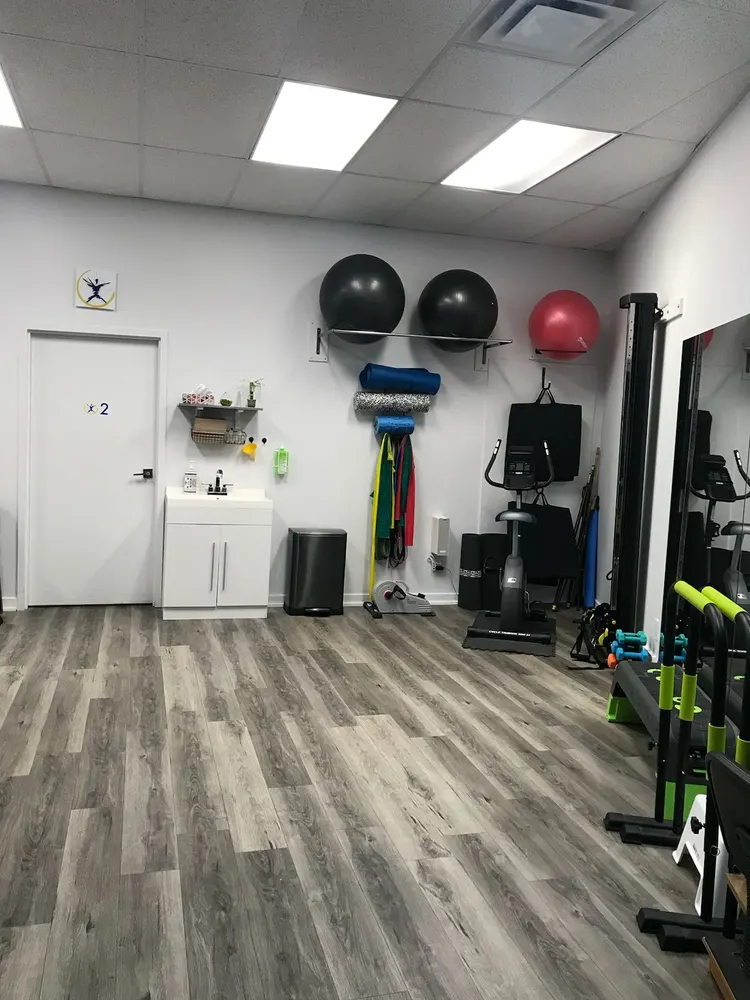
For physiotherapists, kinesiologists and anyone who treats with exercise, this photo matters almost as much as the treatment room. It shows that active rehab actually happens at your clinic, not just on a handout.
What to show
- Open floor space
- Racks, weights, bikes, cable machines and mats
- Anything specialized, like a rig, treadmill or turf
The entrance and the atmosphere
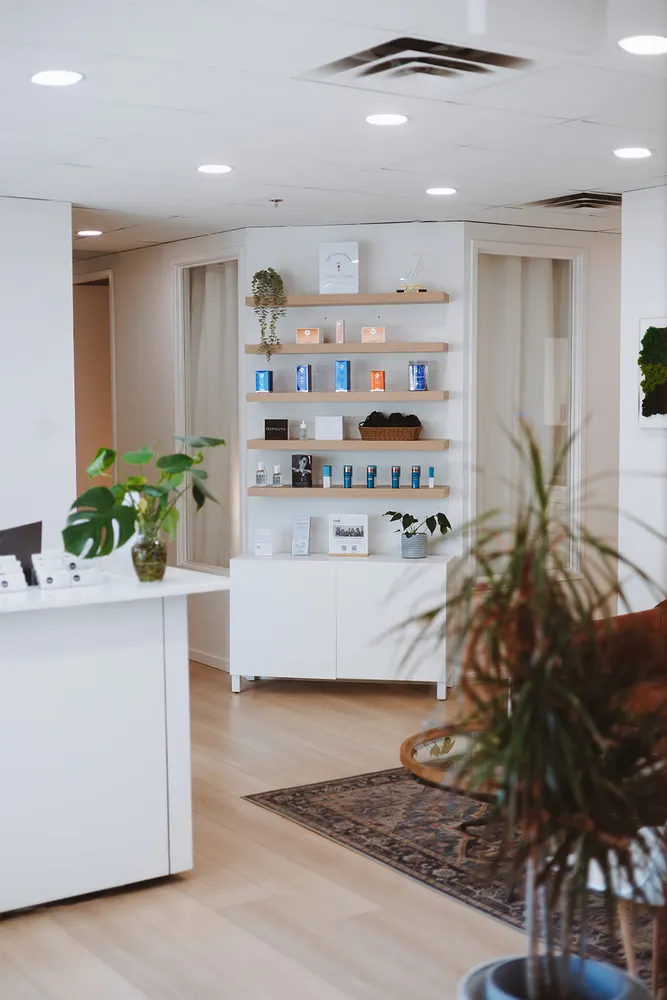
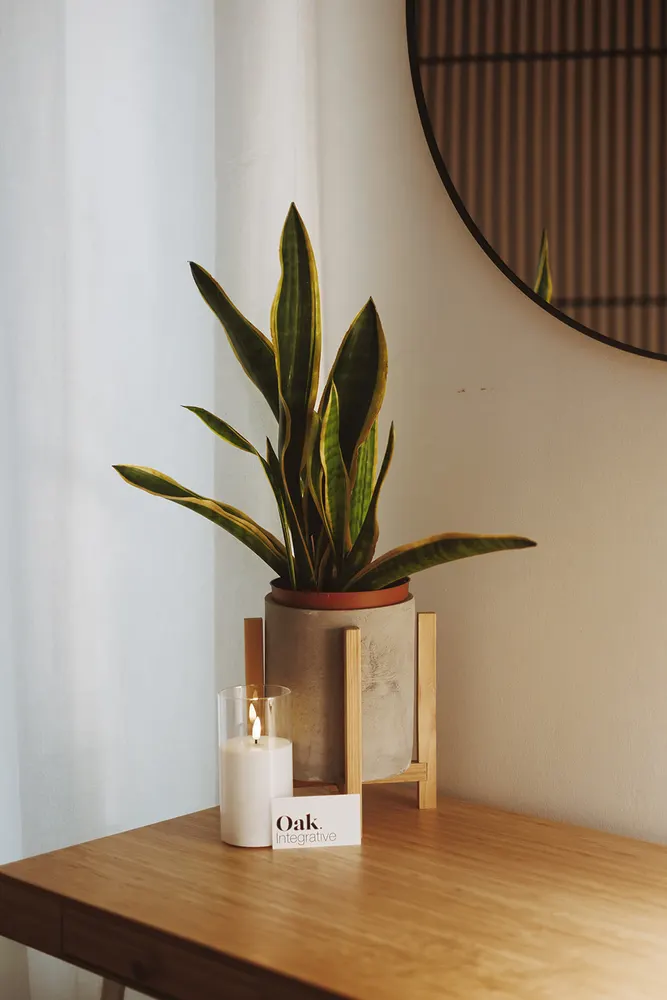
Practitioners want to picture arriving for their first shift. The entrance, the hallway and the small details give a feel for the place that a list of services can't.
What to show
- Your entrance, door or building sign
- Hallways and shared spaces
- The details that make the space yours: plants, art, lighting, a staff break area
A note on team photos
Team photos are a nice extra if your clinic wants to share them, but they aren't required. The space is what practitioners ask to see most, so start with the rooms and work out from there.
Taking the photos
Simple tips for better clinic photos
What to leave out
- Your logo as the only photo
- Stock photos of someone else's clinic
- Patients, or anything with patient information on it
- Dark, blurry or very close-up shots
We turn your photos into a video tour
When a clinic adds photos of its space to its PRACERA profile, we turn them into a short Inside the Clinic video tour. It plays on your clinic profile and on your openings, so practitioners can walk through your space in a few seconds. Here's the tour we made for Oak Integrative Health:
See Oak Integrative Health's profile
The more of your space you show, the better the tour. Six to ten photos covering the rooms above is plenty.
Want more ideas for standing out to practitioners? Read what makes PRACERA different for allied health clinics.
Frequently asked questions
What photos should a clinic include in a job posting?
Start with your treatment rooms, then your reception and waiting area, your gym or rehab space if you have one, and your entrance. A few photos of the details that make your space feel like yours round it out.
Do I need a professional photographer?
No. Clear, well-lit photos taken on a phone work well. Turn on the lights, open the blinds, tidy up and shoot each room from a corner so the whole space is visible.
Should we include photos of our team?
That's up to you. Photos of the space are what practitioners look for most, so start there. Team photos are a nice extra if your clinic wants to share them.
What is a PRACERA video tour?
When a clinic adds photos of its space to its PRACERA profile, PRACERA turns them into a short Inside the Clinic video tour that plays on the clinic's profile and its openings.